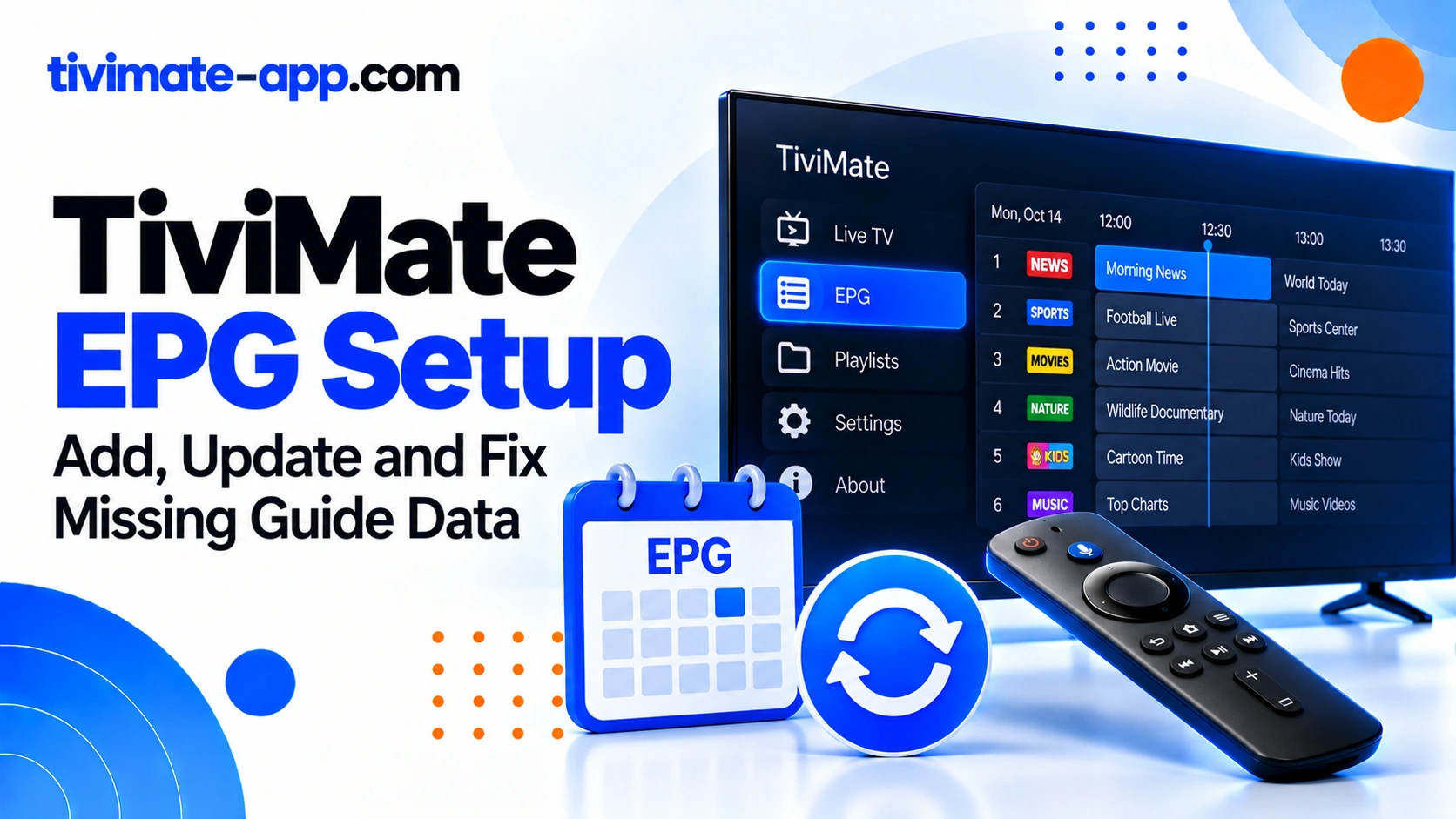
What EPG data does
EPG means Electronic Program Guide. It provides programme titles, descriptions, and scheduled times. The stream delivers video; the EPG supplies programme metadata. These are separate data paths, which is why channels can play while the guide is empty. A guide source may cover only some channels or a limited time window, so successful downloading does not guarantee complete data for every entry in a playlist.
Find out how your service supplies EPG
Some services provide guide data automatically with their playlist login; others supply a separate XMLTV URL. Check the provider’s setup instructions before adding a source. Do not use the M3U playlist URL as an EPG URL unless the provider explicitly says it supports that format. Keep both addresses private if they contain account credentials.
Add an EPG source
Open TiviMate settings and find the EPG section. Add the EPG/XMLTV source supplied by your service, enter the URL exactly, save it, and run an update. Allow time for large guide files to download and process. The exact menu wording may vary by version, so use the closest matching EPG/source controls shown in your app.
If every channel says No Information
Confirm that an EPG source exists and is enabled. Check the URL for typos, missing characters, or an expired link. Run an update and review whether the app reports a download or processing error. If the source cannot be reached, ask the provider to verify it. If the source loads successfully but contains no relevant channel data, the issue may be coverage rather than the app.
If only some channels have no guide
This symptom often points to incomplete guide coverage or a mismatch between playlist channel identifiers and guide entries. Compare metadata such as tvg-id in the playlist with channel IDs in the guide source. Use available mapping controls to associate a channel with the correct guide entry. Repeatedly refreshing an unchanged source will not create programme data that the source does not contain.
If programme times are wrong
Check the device date, clock, and time zone. Then review any EPG time-offset setting and the source’s own schedule metadata. Adjust one setting at a time and compare a known programme against a reliable schedule. Do not apply a global offset if only one channel is wrong; that may hide a source-specific problem while making other channels inaccurate.
EPG is stale or updates slowly
Check whether the source itself has been updated recently and whether the provider specifies an update interval. A large XMLTV file can take time to process, especially on a low-storage device. Ensure the device has enough free space and a stable connection. If the source is repeatedly stale, ask its owner about update frequency and coverage rather than continuously triggering updates.
Multiple EPG sources: use them deliberately
Adding more sources is not automatically an improvement. Overlapping entries can make it harder to understand which source is supplying a programme. Keep track of which source is assigned to each playlist and use a source that covers the channels you actually watch. Remove a source only after recording its URL and confirming that you no longer need it.
What not to do first
Do not factory-reset the TV or clear all TiviMate data just because the guide is blank. Those steps can erase playlists and settings without fixing a bad URL or mismatched IDs. Start with the source, update result, channel coverage, and time-zone checks. If you change a setting, record the original value so you can revert.
FAQs
- Can I watch without EPG? Yes, if the streams work.
- Does Premium guarantee a complete guide? No; guide quality depends on the source.
- Why do some channels show information and others do not? Coverage and channel-ID matching are common causes.
- Should I use a random public EPG? Use a trusted source you are authorized to access and understand its reliability.
A practical EPG test using one channel
Choose a channel whose current programme you can verify from a reliable schedule. Confirm that the channel appears in the playlist, then inspect the corresponding guide entry. If the guide entry exists but is attached to a different channel name, investigate mapping. If there is no entry at all, check source coverage. If the title appears at the wrong time, check time-zone and offset settings. This one-channel test helps separate missing data, mapping errors, and time shifts.
Why adding a second source is not always the answer
A second EPG source helps only if it contains the missing channels and can be mapped correctly. Multiple sources can overlap, use different IDs, or have different update schedules. Before adding another source, identify exactly what is missing and confirm that the new source covers it. Keep a record of source names and URLs so that you can remove or replace one without losing track of the configuration.
Use update results as evidence
After running an EPG update, note whether it completes, reports an error, or completes without filling the guide. A download failure points toward the URL, network, or source server. A successful download with missing channels points toward coverage or mapping. A successful download with shifted times points toward time settings or source metadata. These outcomes should lead to different next steps.
How to tell source failure from mapping failure
A source failure usually affects the guide broadly or appears in the update result. A mapping issue often affects selected channels even though the guide has loaded for others. A time-zone issue shifts many entries in a similar way. Compare the pattern before changing settings. This simple classification can prevent a correct source from being deleted when only one channel ID is wrong.
Document your EPG configuration
Keep a private note of the source name, whether it is provider-supplied, update status, and any channel mapping changes. Do not publish a full URL if it contains credentials. If a source is replaced, this note makes it easier to restore the last known working configuration.
A repeatable EPG validation procedure
Pick one channel with a programme schedule you can independently verify. Confirm that the channel appears in the playlist, then check whether its guide entry exists and whether the time is correct. If the entry is absent, inspect source coverage and channel IDs. If the entry exists but is shifted, check device time zone and offsets. If all channels are blank, inspect the source URL and update result. Repeat the same test after making one change. This procedure gives you a clear before-and-after comparison and prevents random changes from hiding the original fault. Keep a private note of the source name, last update, and mapping changes so you can return to a known working configuration.
Where guide data comes from
| Source | Action | Verify by |
|---|---|---|
| Bundled with the playlist | Nothing to add | Guide fills after import |
| Separate XMLTV or EPG URL | Enter in EPG settings and update | Testing several channels |