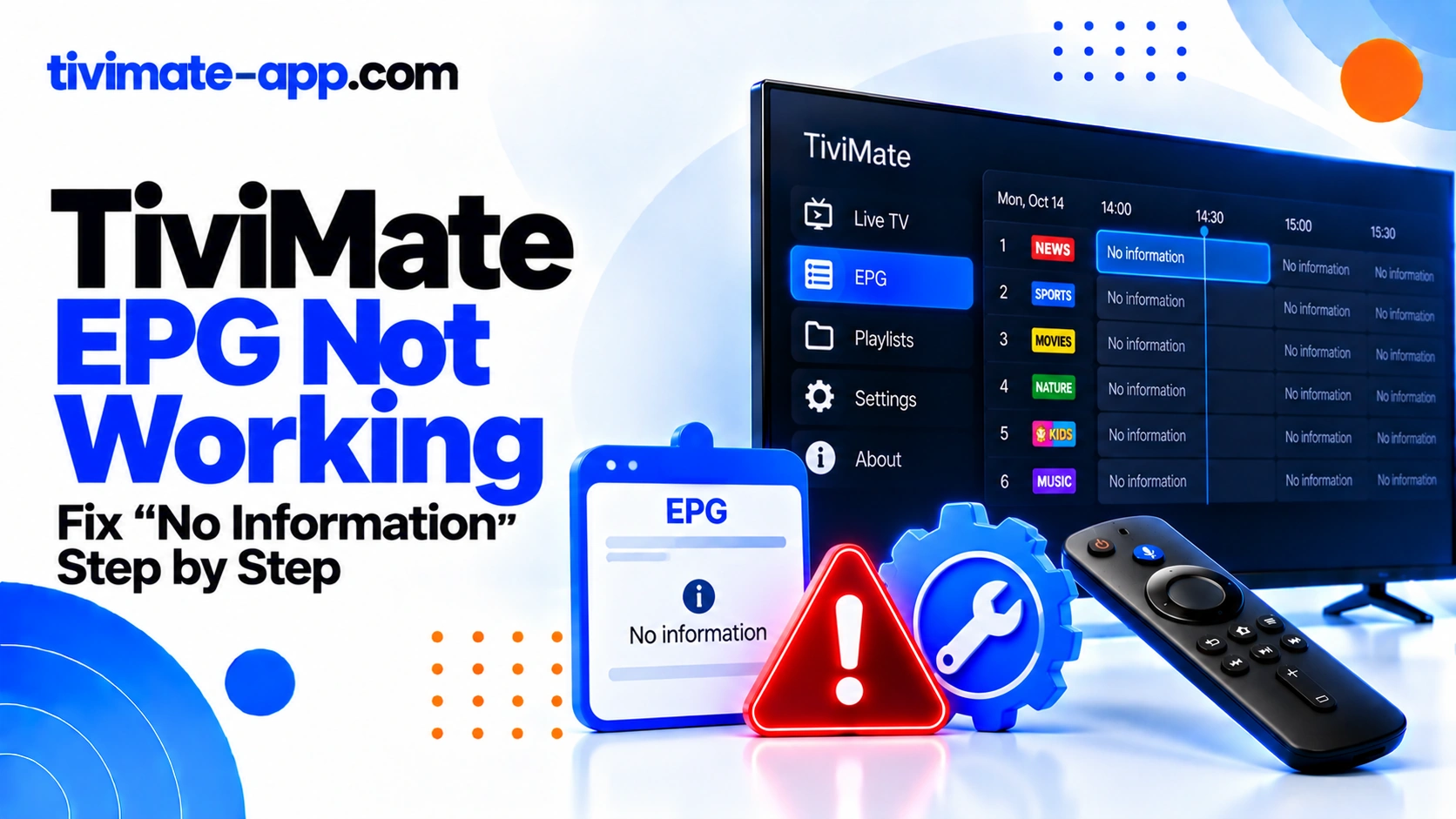
Symptom points at the cause
| Symptom | Likely cause | First check |
|---|---|---|
| Every channel blank | Source URL or failed update | Re-enter address; manual refresh |
| Some channels blank | Channel-ID matching | Mapping checks |
| Wrong programme times | Clock, timezone, or offset | Device time settings |
Diagnose the exact symptom
Before changing settings, write down what you see. Does every channel say No Information? Are only a few channels missing programme names? Does the guide contain programmes but show the wrong times? Does the guide work for one playlist but not another? Each symptom points to a different cause, and treating them as the same problem can waste time or make a working source worse.
Fix 1: Run one EPG update
Open TiviMate’s EPG settings and run an update. Wait for it to finish, particularly if the guide file is large. If the update reports an error or the guide remains unchanged, note that result and move to source validation. Repeating the same update without checking the source is unlikely to help if the URL is invalid or the data does not cover your channels.
Fix 2: Verify the EPG URL
Confirm that the URL came from your provider or another trusted source you are authorized to use. Check for missing characters, accidental spaces, expired links, and the wrong type of URL. A playlist URL and an EPG/XMLTV URL are not interchangeable unless the provider explicitly supports both uses. If the source cannot be retrieved, ask its owner to confirm the current address.
Fix 3: Check whether the playlist itself works
Test several channels. If the playlist has also stopped loading, resolve that issue first by checking credentials, source status, and network connectivity. If video plays normally while the guide is blank, focus on EPG rather than reinstalling the player. These components are separate and can fail independently.
Fix 4: Match channels to guide entries
A guide source may use channel identifiers that differ from the names shown in the playlist. Compare metadata such as tvg-id with the identifiers in the EPG data. If TiviMate offers manual guide assignment, select the correct guide entry for the channel. If no matching entry exists, the source may not cover that channel and the provider may need to supply better data.
Fix 5: Correct time-zone problems
If programme titles are present but shifted, confirm the device’s date, time, and time zone are correct. Then review any EPG offset setting. Change one setting at a time and compare a known programme schedule. Avoid applying a global offset when only one channel is wrong, because the problem may be in that channel’s source data.
Fix 6: Check source coverage and freshness
An EPG file can download successfully yet contain incomplete or stale listings. Ask the provider how far ahead the guide extends and how often it is refreshed. If only certain channels are affected, compare the guide coverage for those channels. Adding more sources may help only if the additional source actually covers the missing entries and can be mapped correctly.
Fix 7: Restart carefully
After correcting the source or mapping, restart TiviMate if necessary and check the guide again. If a cache option is available, use it only when you understand what it clears. Avoid Clear Data as an early fix because it may remove playlists and settings. Back up the configuration first if possible.
When to ask for help
Contact the EPG source provider if the URL fails, the data is outdated, or required channels are absent from the guide. Contact the app’s support channel for repeatable app-level failures that remain after source and mapping checks. Include the app version, device model, update result, and a redacted example of the issue.
FAQs
- Why does video work but EPG does not? They are separate data sources.
- Why are only some channels blank? Mapping or source coverage is common.
- Does Premium guarantee guide data? No.
- Will reinstalling fix an invalid EPG URL? No; the source must be corrected.
Symptom matrix: what the pattern tells you
All channels blank: inspect source URL, update status, and whether the source contains data. Some channels blank: inspect coverage and channel IDs. All programme times shifted: inspect device time zone and EPG offset. Guide is stale but not empty: ask when the source was last refreshed. Guide works on one playlist but not another: compare each playlist’s EPG assignment and metadata. Use the pattern to choose the next test instead of resetting the entire app.
Example: guide works for most channels but not a local station
A local station may not exist in the EPG source, or the playlist may use a different channel ID from the guide. Search the source’s channel list if the provider offers a way to inspect it, then compare the ID with the playlist metadata. If there is no corresponding entry, manual mapping cannot invent a programme schedule that does not exist; the provider needs to supply suitable data.
Keep a change log while fixing EPG
Record the source URL name, last update result, time-zone setting, and any mapping changes. If the guide gets worse after adding a second source or changing offsets, you can reverse the last change. Avoid clearing all data before recording the current configuration, because you may lose the only working playlist or source assignment.
When a guide update says it succeeded but nothing changed
A successful download only means the source was retrieved and processed; it does not guarantee the file contains the channel IDs or programme dates you need. Compare a known channel with the source coverage and mapping. If the relevant entry is absent, ask the source provider whether the guide includes that channel. Repeatedly forcing updates cannot add information that is not present.
Do not erase a working playlist to fix the guide
Before removing an EPG source or clearing data, record the source configuration and any mapping you have already done. If video is working, preserve that working state while diagnosing guide data. Make one change, run an update, and compare the result. If the change makes the guide worse, revert it.
EPG troubleshooting checklist by symptom
For a completely blank guide, confirm the source exists, run an update, and check whether the source is reachable. For only a few missing channels, compare channel IDs and source coverage. For shifted programme times, verify device date, clock, and time zone before adjusting the app offset. For a guide that is stale, ask how frequently the source updates. For a guide that works on one playlist but not another, compare the EPG assignment for each playlist. Change one item at a time and record the result. Avoid clearing all app data while video playback works, because that may erase a working playlist and still leave the source issue unresolved.