Player vs source
| Part | What it is | Where it comes from |
|---|---|---|
| TiviMate player and Premium | App features; exact set per official page | Official purchase flow |
| Playlist or service | Channels and streams | Authorized provider |
| Companion app | Premium activation support | Official app |
What Premium is for
Premium unlocks additional app functionality beyond the free experience. The exact features and restrictions can change by version, so verify the current official product information before purchasing. Do not rely on old screenshots or a third-party article as the final authority on pricing or licensing.
Free versus Premium: decide based on your needs
Start by listing the features you actually need. If you only want to test whether the player works with your device and playlist, the free version may be enough for an initial test. If you need a Premium-only management or convenience feature, confirm that the current version includes it and that your device supports it. Do not upgrade expecting a subscription to channels or better server uptime.
What Companion does
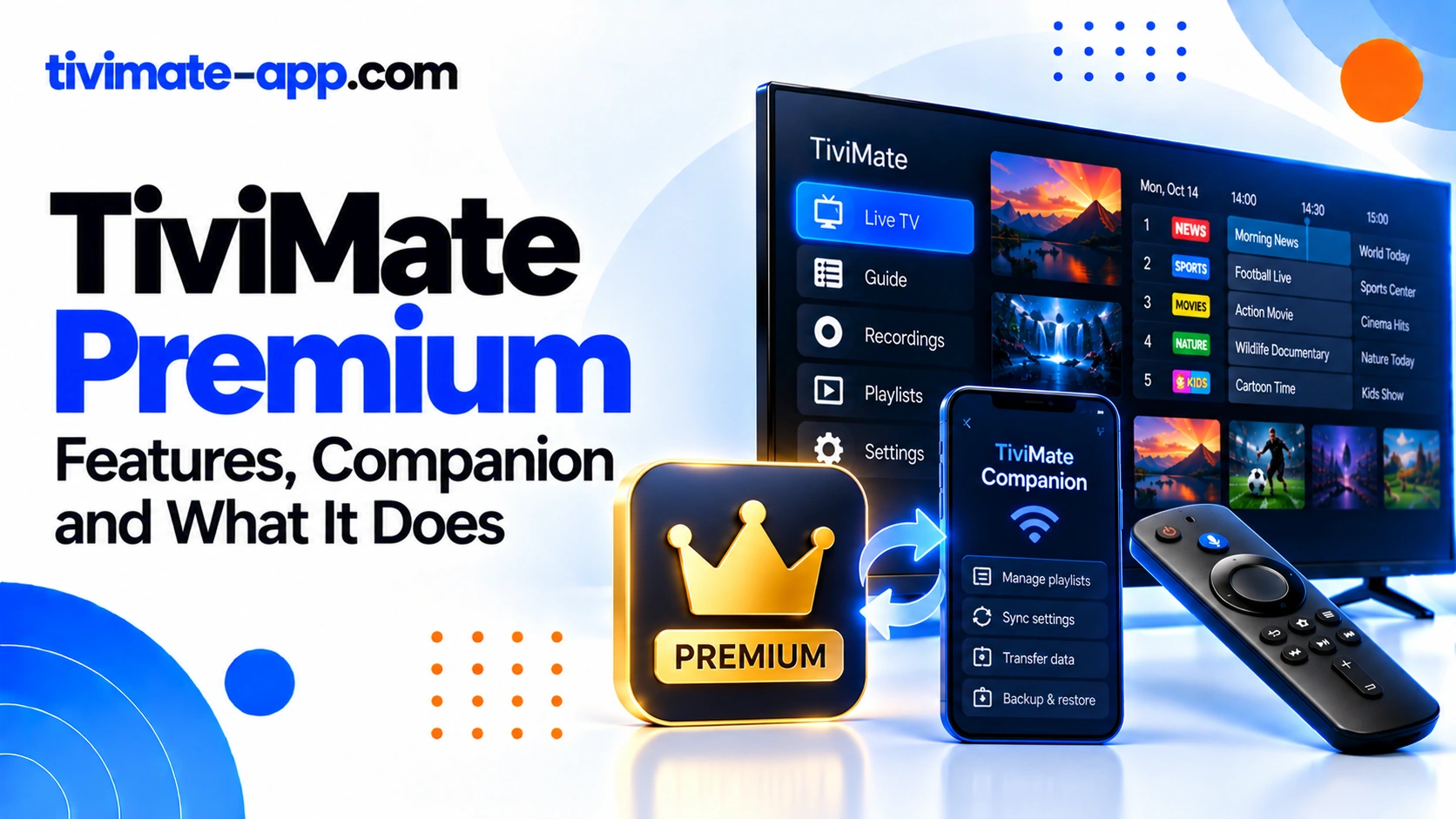
TiviMate Companion is a separate utility associated with Premium activation and device management in supported setups. It is not the main TV player and does not deliver channels. Follow the current official activation steps and use the account associated with the purchase. Device and store availability can vary, so check the developer’s current instructions.
Before you purchase
Confirm that you have installed the genuine app, that your TV device is compatible, and that you understand the current purchase terms and device limits. Review the price in the official purchase flow and keep your receipt. Avoid unofficial sellers, shared accounts, activation codes from unknown sources, or websites that ask you to provide playlist credentials.
Premium activation does not work
First check whether the purchase completed and whether you are using the correct account. Then follow the current official Companion and activation instructions. Restart the relevant apps and verify that the device is supported by the activation flow. If the purchase is not recognized, contact the official support route with the transaction reference requested by the publisher, but never post private order details publicly.
Premium does not fix playlist problems
A Premium upgrade does not repair an expired M3U URL, incorrect Xtream Codes credentials, an unavailable channel, a poor Wi-Fi connection, or missing guide data from the source. Diagnose those issues separately. If playback works in the free version, upgrading should be a feature decision, not a guess at a technical fix.
Recording, catch-up and feature availability
Some features depend not only on the app version but also on the stream source and device setup. Recording requires a usable destination and sufficient storage. Catch-up requires the service to make past content available. Confirm the source supports the capability before buying or planning around it. Do not assume a feature works with every playlist.
Security and licensing
Avoid “Premium unlocked” APKs, cracked packages, and activation services that request passwords. These may expose the device to modified code or compromise your account. Use official sources and keep your purchase details private. TiviMate is a player, and users are responsible for ensuring they have rights to the streams they add.
FAQs
- Does Premium include channels? No.
- Is Companion the main player? No, it supports Premium-related activation and device management.
- Are prices and features fixed forever? No; verify current official terms.
- Will Premium fix buffering? Not if the cause is network, stream, or provider-side.
- Can an unofficial reseller activate it? Use the official purchase and activation route.
How to decide whether to upgrade
Write down the feature you want before paying. Confirm it exists in the current official feature list and that your device can use it. If you only need to test a playlist, you may be able to do that before upgrading. If you need a specific management, recording, or customization feature, verify its current availability and any conditions. Buying Premium should be based on an app feature, not on the expectation of better channels or guaranteed playback.
Purchase, account, and device are separate pieces
A completed purchase, a Companion account, and an activated TV device are related but not identical states. If Premium does not appear, check which account made the purchase and follow the official activation flow. A backup of app settings may not transfer license state. Keep receipts and support details private and use the official recovery process.
Avoid fake support and activation offers
Be wary of sellers who promise unlimited device activation, lifetime access through a shared account, or a modified package. They may not be authorized and may ask for credentials unrelated to the app license. The legitimate support route should not need your playlist password to verify Premium activation. Do not install a modified APK to bypass an activation error.
Questions to answer before paying
Before purchase, confirm the current price, whether payment is one-time or recurring under the current terms, supported devices, device limits, and the features you intend to use. Do not rely on old forum posts for commercial terms. Save the official receipt and the account details needed for activation, but do not share them publicly.
If your purchase is not recognized
Verify the account used for the purchase and follow the official recovery path. Note the purchase date and the exact activation message. Contact official support if the issue persists. Avoid third-party “activation repair” services, particularly those that request your streaming playlist credentials.
Purchase decision checklist
Before upgrading, verify the current official feature list, price, license terms, and device limits. Write down the exact feature you want and confirm that it is included in the current version. If the goal is to make channels work, diagnose the playlist or provider first; Premium is not a channel subscription. If the goal is recording, confirm that storage and source support are available. If the goal is activation, use the current Companion instructions and the purchase account. Keep your receipt securely. Do not share it publicly unless sensitive information is hidden, and do not provide playlist credentials to an activation service. These checks reduce the risk of buying the wrong product for a problem that Premium cannot solve.