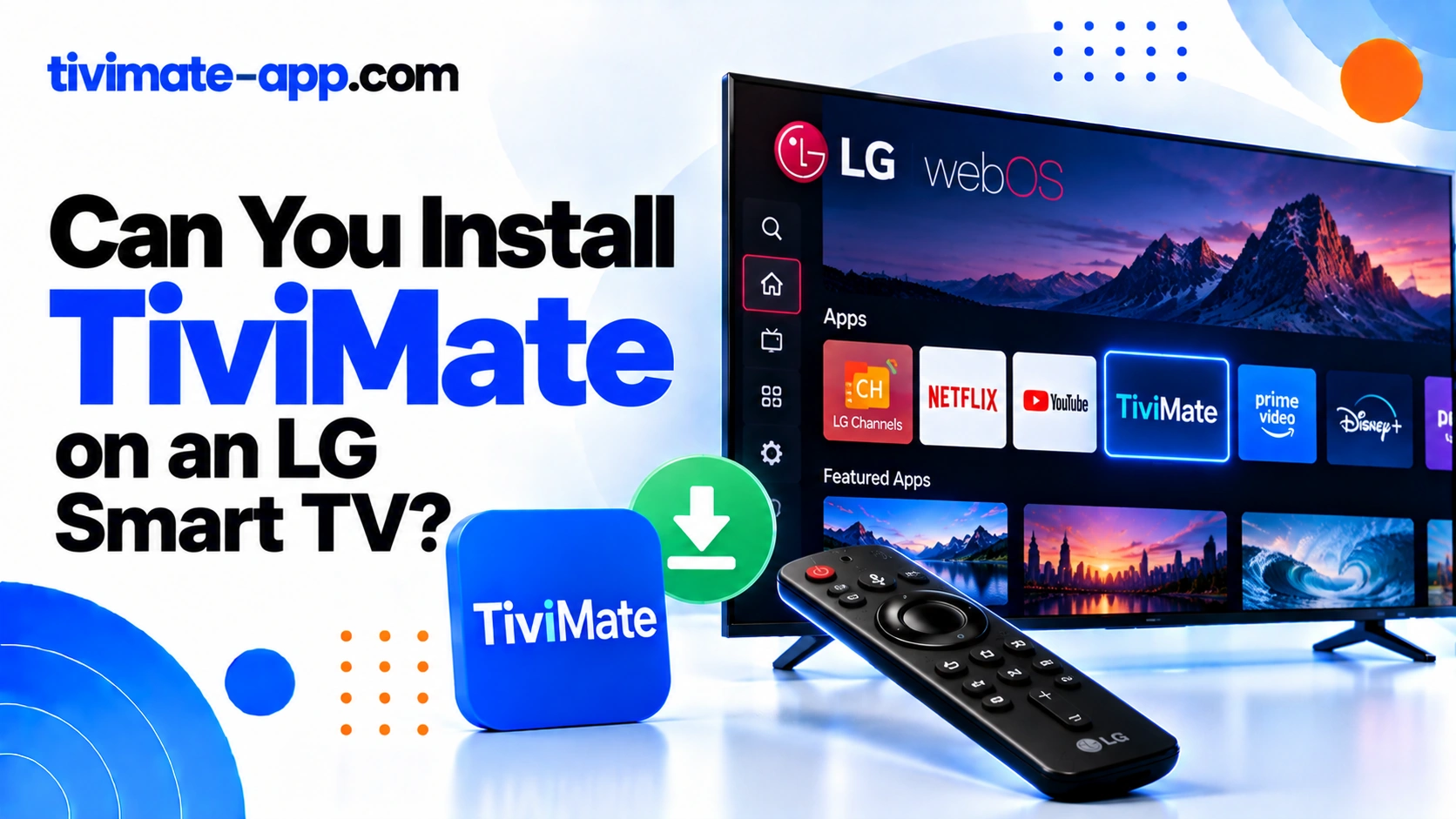
Why webOS and Android apps differ
Android apps are packaged for Android, while LG webOS has a different application environment. A downloaded APK is not a webOS installation package. If a website says it has a special LG TiviMate APK, look for confirmation from the official publisher before trusting the claim.
Check your exact TV model
Open the LG Content Store and search for supported apps on your television. App availability can vary by model, region, and software version. Verify the publisher of any similarly named app; a similar name or logo is not proof that it is the genuine TiviMate product. Consult current official TiviMate information for supported platforms.
Use a supported external device
If you want the TiviMate interface, consider a compatible Android TV or Google TV streaming device. Connect it to the LG TV using HDMI, complete its initial setup, and install TiviMate using an official supported method. In this configuration, the external device runs the player and the LG TV serves as the display.
Configure TiviMate on the external device
Add the M3U URL or Xtream Codes details supplied by a service you are authorized to access. Wait for the channel list to import and test multiple channels. If guide data is missing, configure the EPG source separately. Keep playlist credentials private and do not share screenshots that reveal a full URL.
Avoid unsafe workarounds
Do not install unknown packages or enable developer options based solely on a third-party tutorial promising native TiviMate support. Avoid modified apps and pages that ask for account credentials. A risky workaround may fail after a system update and can create security or stability problems.
Alternatives to consider
Check whether your content provider offers an official app compatible with LG webOS. If you prefer TiviMate specifically, verify the external device’s compatibility and remote-control experience before purchasing it. Consider the total setup cost and whether the device receives security updates.
FAQs
- Can I install TiviMate directly on webOS? Not as a standard Android app.
- Will an external box work? A compatible supported Android-based device may.
- Does TiviMate supply channels? No.
- Can I use a random LG APK? Avoid unofficial packages unless the official publisher confirms the method.
Native vs external route
| Route | Outcome | Next step |
|---|---|---|
| LG webOS store | No native app expected | Check the official position |
| External Android or Google TV stick over HDMI | Full TiviMate experience | Install on the stick |